

A video ad for every Bring a Trailer listing, from your photos.
Paste your Bring a Trailer listing link. Review the photos and facts, choose a listing or social style, then a portrait or landscape video. Add your branding before paying. No filming needed.
How it works
Paste the link, get the video.
Paste your listing link
We pull the photos, price and mileage for you to check. Then we choose the shots for your video.
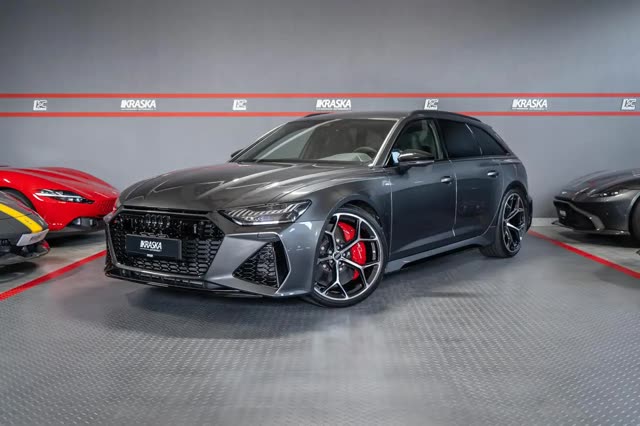
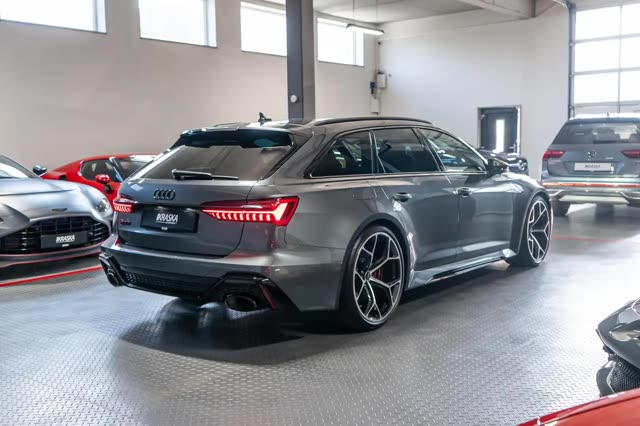
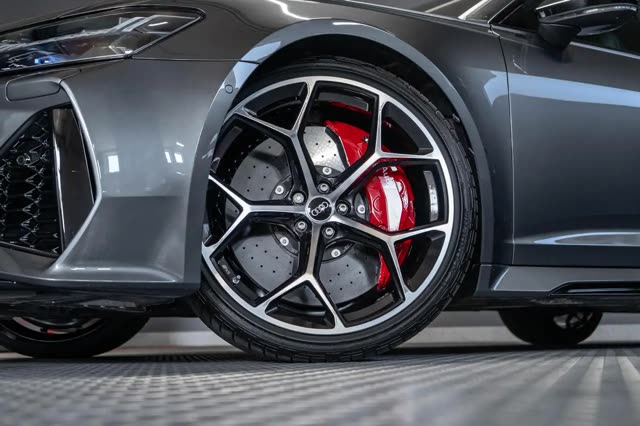
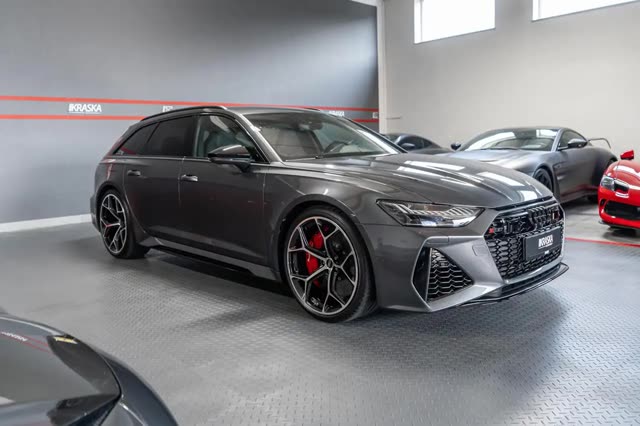 2025 Audi RS6 Avant€129,9705,149 km
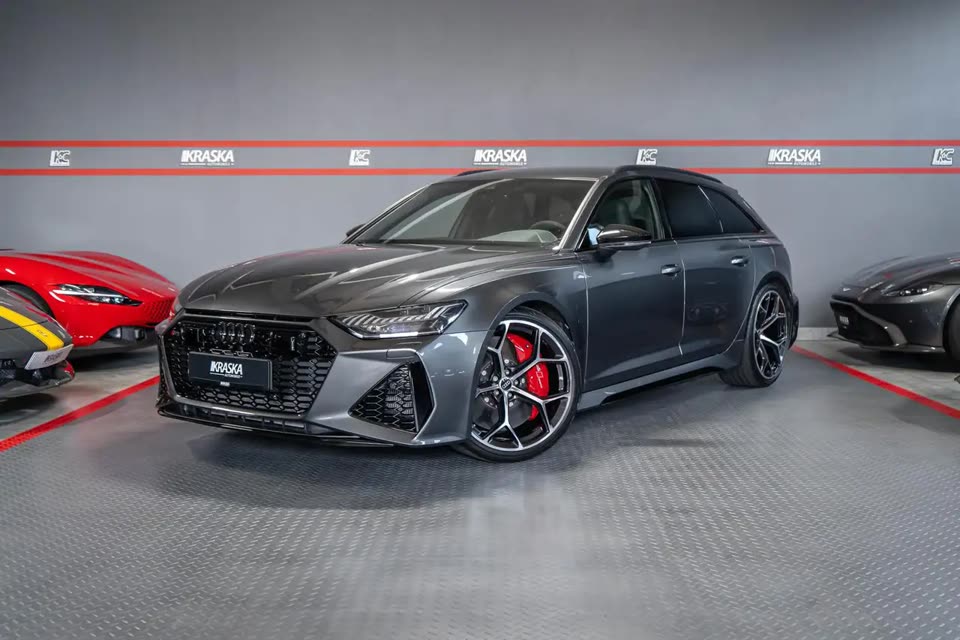
Same car, better backdrop
Keep your original background or choose a new setting. AI can alter details, so check the finished car before posting.
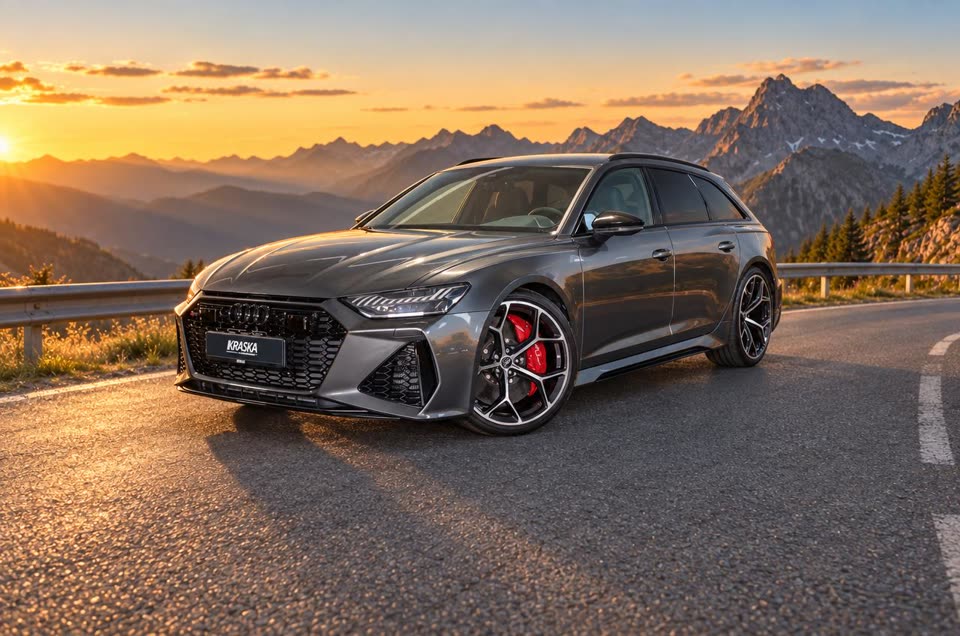
Then it moves
AI adds movement to your photos. Review the full video, including wheels and badges, before you post it.
Post it
Portrait for social posts or landscape for your listings. Length depends on the style. Here are three social examples.
From listing to download in three steps.
Paste the link or VIN
Paste the link to your Bring a Trailer listing. We read the photos, price, mileage and details from it.
Pick a look
Check the facts, pick where the car stands: a mountain pass, the coast, a city at night, a studio and more. Add your logo. You see your photos, your price and the words on screen before you pay.
Post it
Pay $5 for this car and background, including up to five versions. Choose portrait 9:16 or landscape 16:9; length depends on the style. Check the complete video, download it and post it.
Built for the whole lot, not one car
Your branding on every video
Upload a PNG, JPG or WebP logo and choose an accent color and headline font. Add dealer contact details for the concepts that display a dealer card.
The numbers come from your listing
The video uses the vehicle facts you confirm. Social videos can show the price; listing videos leave it out.
Portrait or landscape MP4
Choose 9:16 for vertical social posts or 16:9 for listing pages, websites and YouTube. Check your destination’s current upload requirements before posting.
Up to five versions included
Your payment includes the first video and up to four more versions on the same background. Change the style, aspect ratio, music, voice or branding. Failed attempts do not count. A new background costs $5. Contact support for factual or scene corrections.
Follow the progress
The app shows progress while your video is made. The wait depends on the queue and concept. Add an email to receive the link, or save it in your browser.
Works where you already list
Paste a link from your dealer website, Craigslist, Carvana, CarMax and more. On AutoTrader, Cars.com, CarGurus or KBB, paste the VIN. Anywhere else, upload the photos and type the details.
What dealers ask before the first video
Which listing sites work?
Try the full Bring a Trailer listing link. If it cannot be read, upload your photos and enter the details. AutoTrader, Cars.com, CarGurus and KBB use a VIN lookup instead. Always check the imported photos, price, mileage and dealer before paying.
What is a VIN and where do I find it?
A VIN is a 17-character vehicle identification number. Look for it in the listing details or on the vehicle’s VIN label. Paste it to search for available listing photos and facts. The result may differ from your current listing, so check the photos, price, mileage and dealer before paying. If no suitable match is found, upload your own photos and enter the details.
Can I use my own logo and colors?
Yes. Upload your logo and choose an accent color and headline font. Add your name, phone, website and city for styles that show a dealer card. Review how they appear before paying.
What does the video look like?
Choose a listing or social style, then portrait 9:16 or landscape 16:9. There are twelve styles, from a walkaround to a fast social cut. Keep your original background or choose one of twelve generated settings. The preview shows the approximate length for your style.
Will it look like my car?
Yes. The car in the video is your car, from your photos. AI adds the motion and, for every place except “Your photos”, the scenery around it. Wheels and badges can come out imperfect, so watch the video before you post it. If something is off, tell us.
Who owns the video?
You do. Download it and use it in your advertising, as long as you have the rights to the photos, logo and listing you gave us.
What if a video is wrong?
Email [email protected] with the video link and what’s wrong. We fix it or refund it. Don’t make a second video to fix the first. Write to us.
How long does it take?
The wait depends on the style and queue. The page shows progress, and we send the ready link to the email used at checkout. Keep the video link too, so you can return if the email does not arrive.
Do I need an account?
No sign-up is required before purchase. Checkout asks for an email for your receipt and video link. To return to your purchases on another device, sign in with that same email and verify the code we send.
Is my inventory shared with anyone?
No. Your photos and listing text go only to the AI services that make the video, and to our hosting and payment providers. Nothing is sold or shown to other dealers. Videos you don’t pay for are deleted after 14 days.
$5 per car and background
One payment includes your first video and up to four more versions with the same background. Change the style, shape, music, voice or branding. A different background is another $5.
Questions? Just ask.
Ask about a listing, a video, or whether it fits your lot. A real person reads your message; response times depend on availability.
Send a message →No sign-up needed before purchase. No subscription. Prices in USD.